
Nothing To Declare Wiki
Airport security guides for weighing, X-ray, interviews, and upgrades.
Unofficial Nothing To Declare wiki with walkthroughs, contraband tips, upgrade advice, and shift tools for calmer checkpoints.
- v1.0.1
- Launch hotfix live
- 22
- Steam achievements
- Demo
- Free core loop
- Aug 8
- Launch sale ends
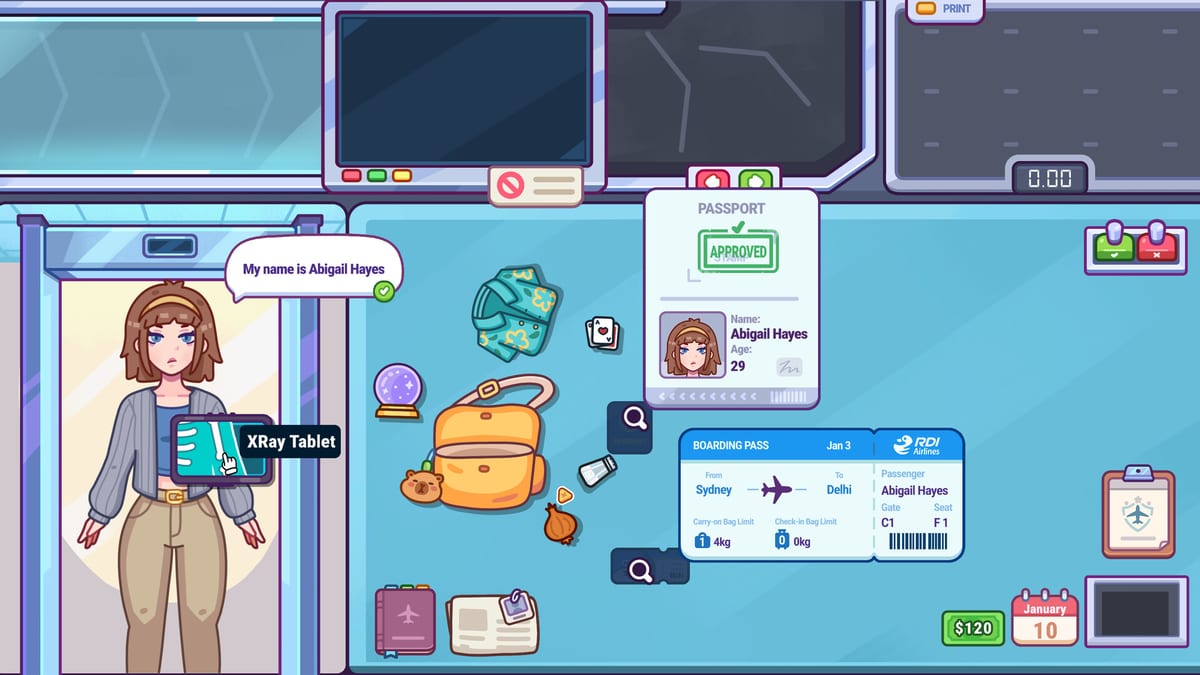
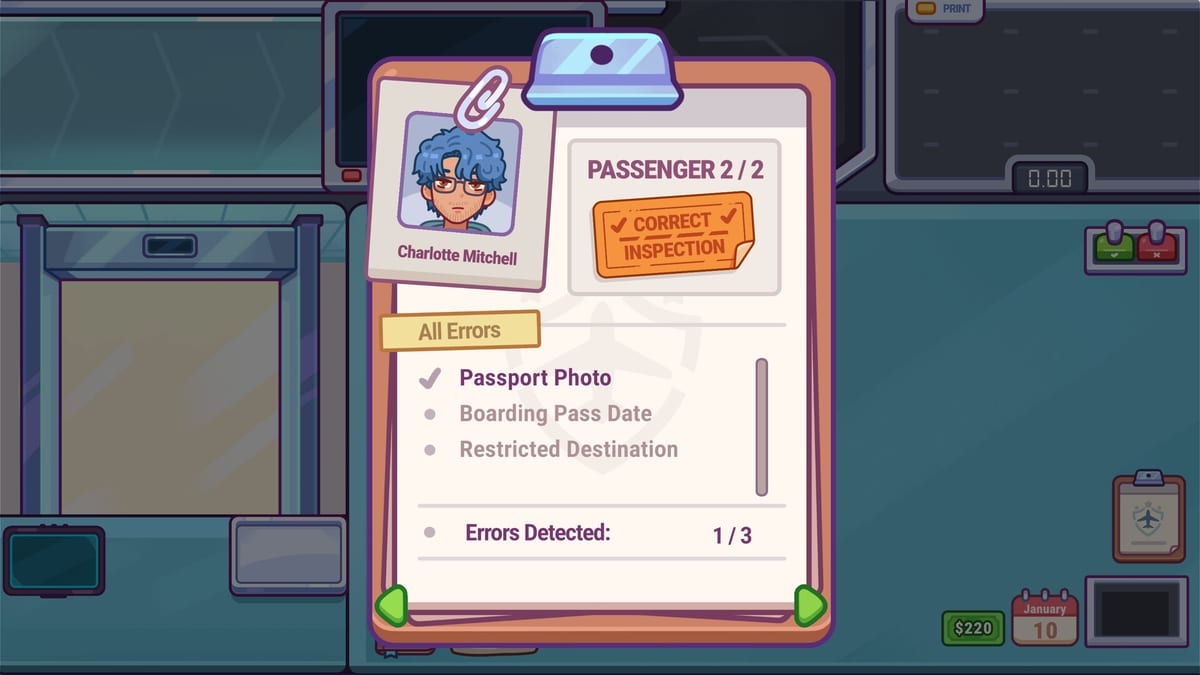
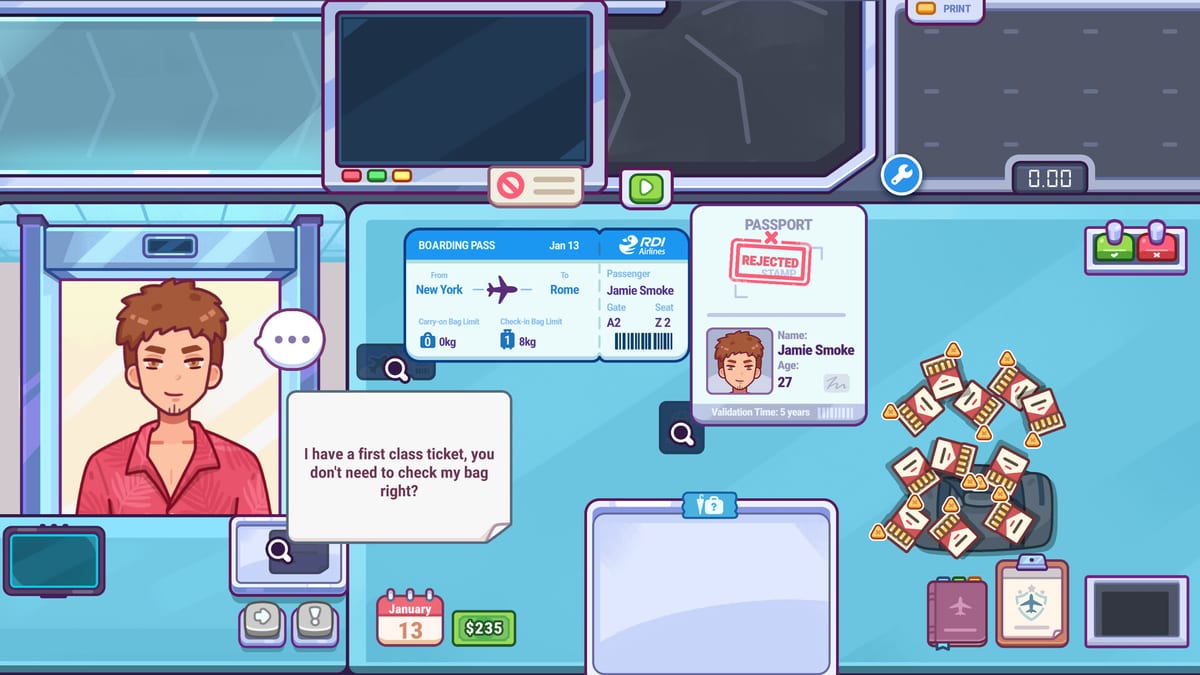
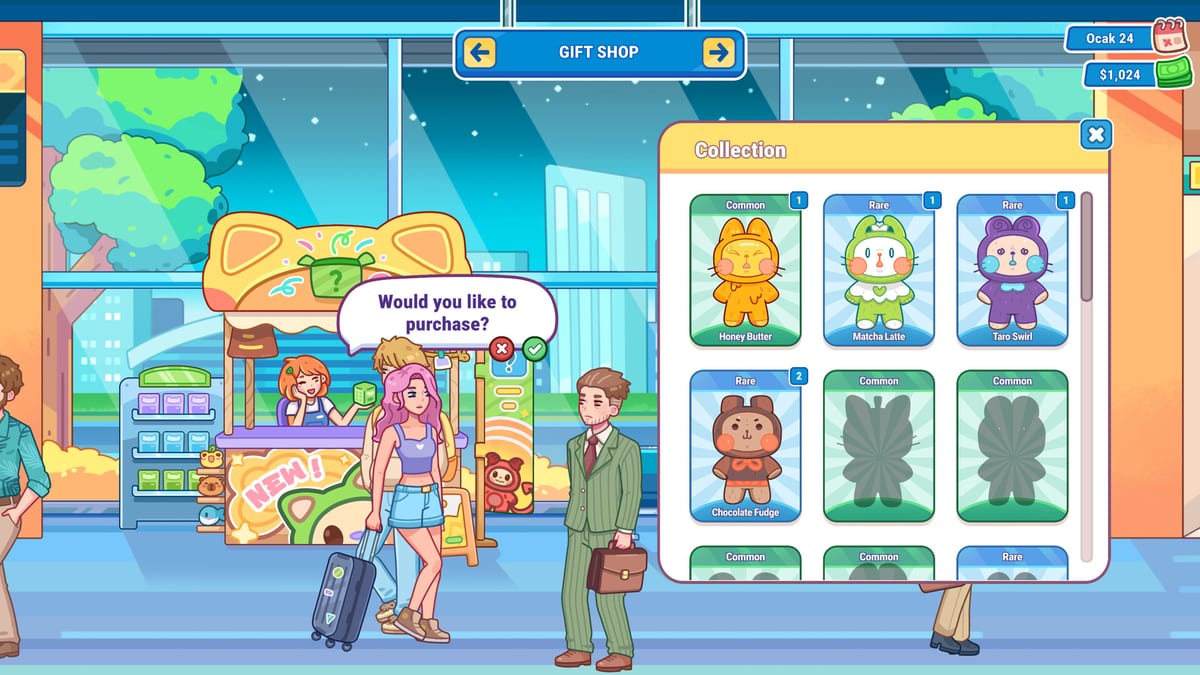
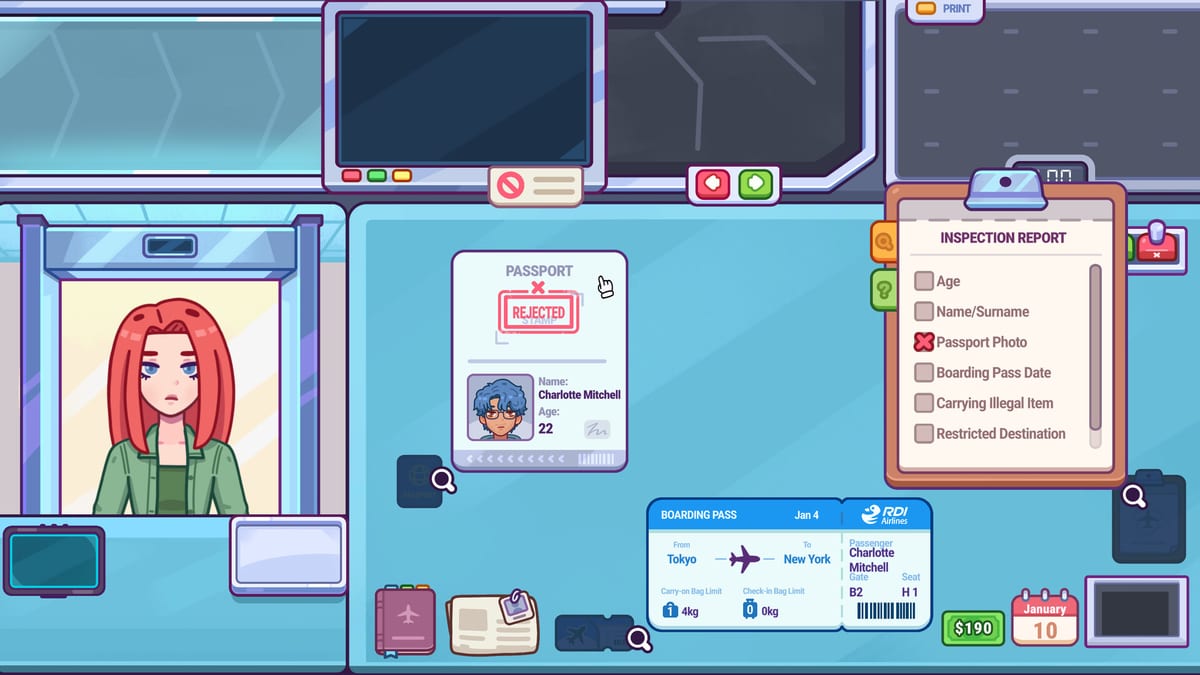
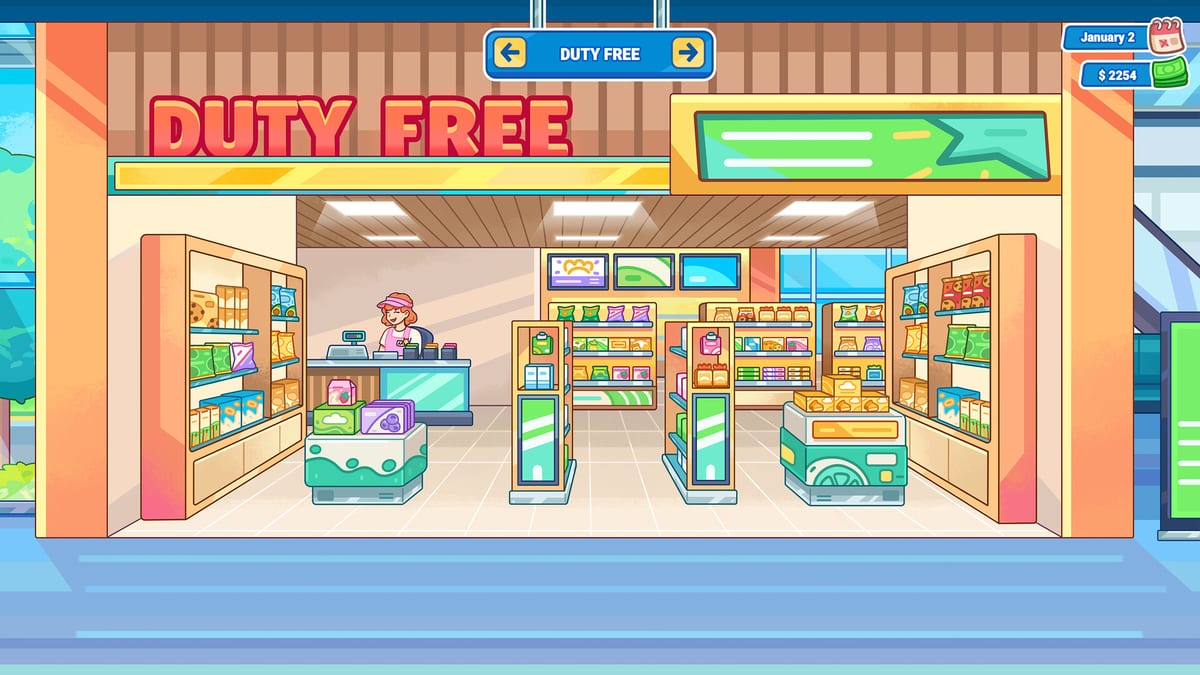
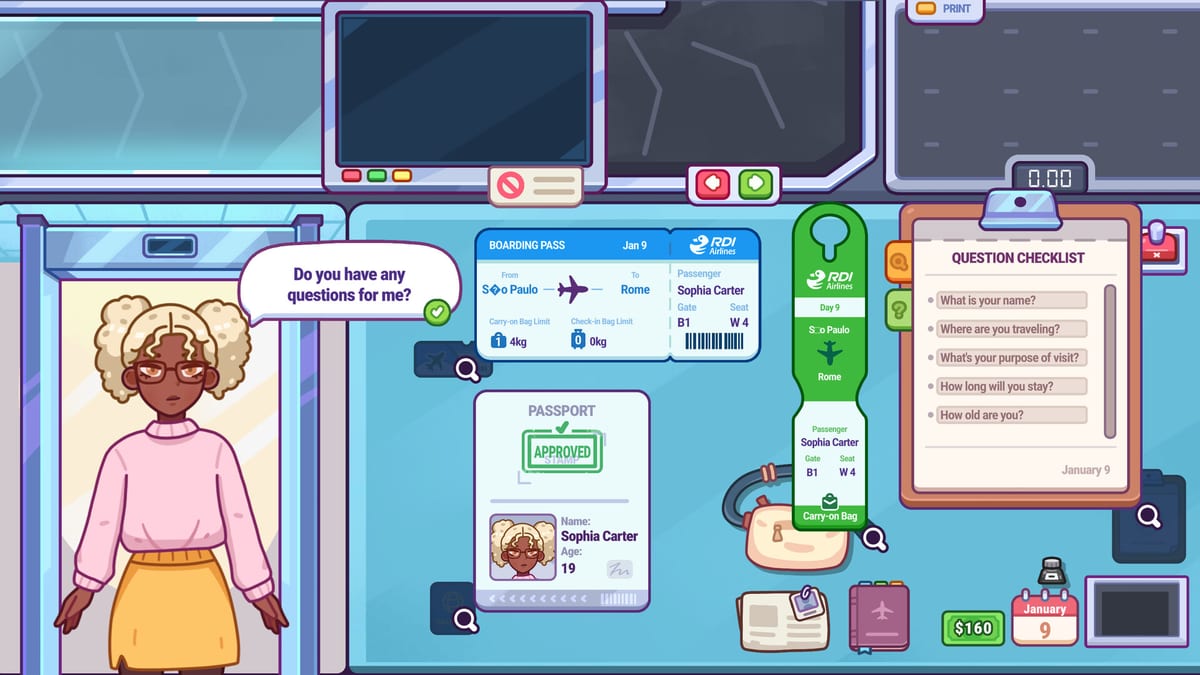
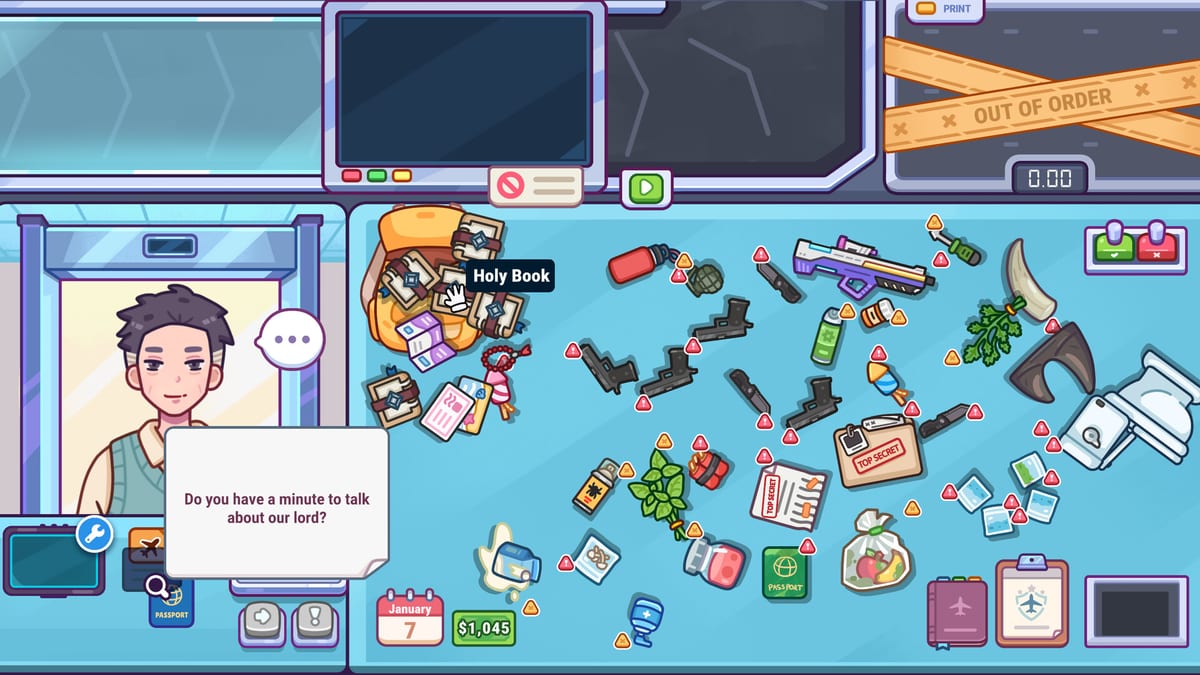
Jump into the hubs players search for most after launch.
Nothing To Declare Guides
Nothing To Declare guides hub: how to play, demo vs full, documents, full systems, achievements, and core desk stations.
Open guide ItemsNothing To Declare Items
Nothing To Declare items hub: contraband patterns, suspicious electronics, and passenger types you will meet on shift.
Open guide UpgradesNothing To Declare Upgrades
Nothing To Declare upgrades hub: earn money, avoid penalties, and improve your workstation for cleaner security shifts.
Open guide ControlsNothing To Declare Controls
Nothing To Declare controls guide: mouse-friendly checkpoint inputs, accessibility options, and desk interaction tips.
Open guide ReviewNothing To Declare Review
Nothing To Declare review: cozy airport security sim vibes, launch 30% off, full systems summary, demo takeaways, platforms.
Open guide ToolsNothing To Declare Tools
Nothing To Declare tools hub: use the Shift Checklist during play to keep weighing, scanning, interviews, and searches honest.
Open guide UpdatesUpdates Hub
Nothing To Declare updates hub: July 25 2026 launch, v1.0.1 hotfix, demo timeline, and what to check after patches.
Open guide LinksOfficial Links Hub
Nothing To Declare official links: Steam store, community hub, Rogue Duck Interactive, and essential wiki routes.
Open guideStart here when you want clear answers before your next passenger.
Nothing To Declare Review
Nothing To Declare review: cozy airport security sim vibes, launch 30% off, full systems summary, demo takeaways, platforms.
Open guide GuidesHow to Play Nothing To Declare
Learn how to play Nothing To Declare: weigh bags, scan x-rays, interview passengers, search luggage, earn money, and upgrade.
Open guide ItemsContraband Guide
Nothing To Declare contraband guide: suspicious luggage finds, danger shapes, weird electronics, and when to escalate.
Open guide ToolsShift Checklist Tool
Nothing To Declare shift checklist tool: complete each security step during play—weigh, scan, interview, search, grade.
Open guide Updatesv1.0.1 Patch Notes
Nothing To Declare v1.0.1 bug fixes: Duty-Free shelves, Retirement gifts, regulations, confiscation UI, Day 10 breakdown, tutorial timeout.
Open guide UpgradesWorkstation Upgrades
Nothing To Declare workstation upgrades guide: what to buy first, how desk improvements help shifts, and smart spending.
Open guide GuidesFirst Shift Tips
Nothing To Declare first shift tips: pacing, early mistakes, when to search, and how to finish your opening day cleanly.
Open guide GuidesDemo vs Full Game
Nothing To Declare demo vs full game: what the free demo teaches, when to buy 1.0, and which launch systems to learn next.
Open guide GuidesDocuments & Daily Rules
Nothing To Declare documents guide: passports, boarding passes, newspaper rules, restricted destinations, surnames, and items.
Open guide GuidesFull Game Systems
Nothing To Declare full systems: cameras, Cookie, metal detectors, drug swabs, bribes, express travelers, and confiscation tips.
Open guide GuidesTroubleshooting & FAQ
Nothing To Declare troubleshooting for bills, backpack tags, work permits, high-risk passengers, cameras, X-ray colors, and newspaper rules.
Open guide GuidesDay Progression Guide
Nothing To Declare day progression: survive Day 6 to Day 10+, mid-game newspaper rules, bills, and launch-week checkpoint habits.
Open guideEach mini-game has its own tells — learn them once, reuse them every shift.
Launch Troubleshooting
Bills, backpack tags, work permits, high-risk travelers, cameras, and newspaper reports.
Open guideDocuments & Rules
Daily newspapers and IDs decide legality. Read before you clear.
Open guideFull Game Systems
Cookie, cameras, swabs, bribes, and secret compartments—when to escalate.
Open guideDay Progression
Day 6/8/10+ spikes, bills, and save habits—read before you restart a career.
Open guideAchievements
Build habits that support all 22 Steam achievements without checklist chaos.
Open guideFour calm steps from first login to a confident checkpoint loop.
- 1
Learn the desk loop
Start with the beginner overview, then decide whether the free demo or the full launch build fits your next hour.
How to Play - 2
Read today’s rules
Passports, boarding passes, and newspaper restrictions change what is legal. Skim documents before you clear anyone.
Documents & Rules - 3
Unlock full-game tools
Cameras, Cookie, drug swabs, bribes, and secret compartments need judgment—not panic clicking.
Full Game Systems - 4
Apply the v1.0.1 fixes
Duty-Free shelves, Retirement gifts, Day 10 machines, and confiscation UI were patched on launch day.
v1.0.1 patch notes - 5
Use the shift checklist
Keep a repeatable passenger flow when express lines and high-risk travelers stack the queue.
Open checklist tool
Wiki FAQ
Quick answers to the most common questions.
What is Nothing To Declare?
A cozy airport security simulation by Rogue Duck Interactive with passports, X-rays, interviews, searches, and deeper full-game tools like cameras, drug checks, and Agent Cookie.
Is this an official wiki?
No. This is an unofficial fan resource. For purchase details and patch notes, use the official Steam page from our Links hub.
Which languages are supported?
This wiki supports: English, Français, Deutsch, Español. Configure locales in site.meta.json and run npm run generate:i18n.
Where should beginners start after the July 2026 launch?
How to Play, Demo vs Full Game, Documents & Rules, then the v1.0.1 patch page before pushing past Day 10.
What changed in v1.0.1?
Launch-day fixes for Duty-Free shelves, Retirement gifts, regulation text, confiscation UI, language date bugs, Day 10 machine breakdowns, and tutorial timeouts.